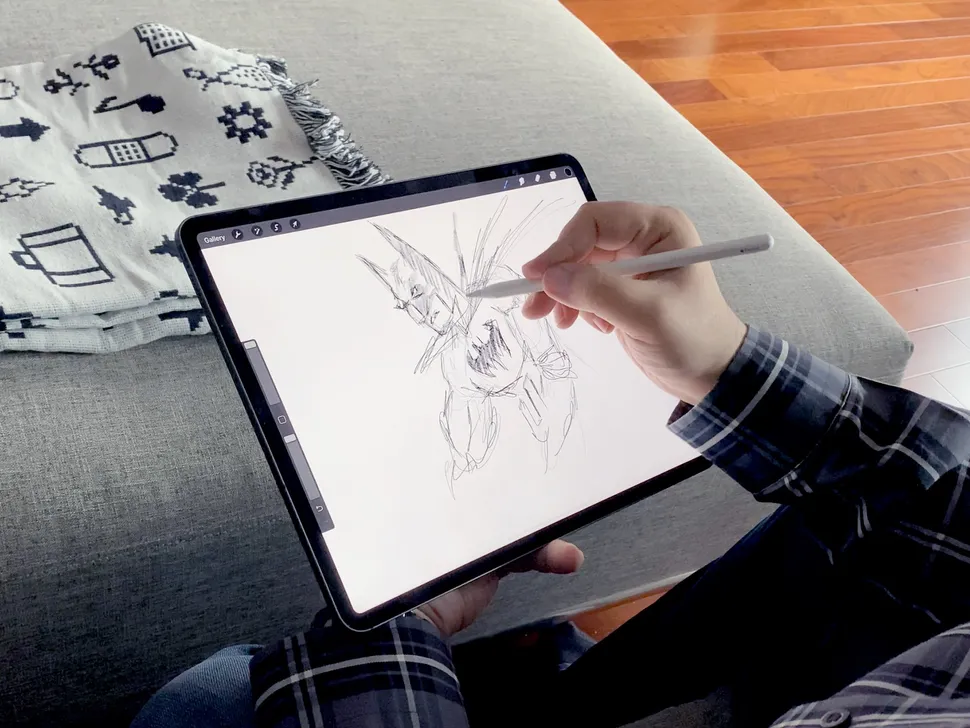
Digital drawing is becoming a very popular drawing method for artists. With how advanced today’s technology is and how closely it is intertwined with human life, it’s definitely not a surprise if everything becomes ‘digitalized’. Many traditional artists or even someone new to arts might want to learn about how digital drawing works. In fact, with just three easy steps such as preparing a device, software installation, and observing the software, you can start to begin your digital drawing journey.
First, all you need to have is a device. The device varies with options such as smartphone, tablet, laptop, or PC. For a more comfortable experience while doing your digital drawing, you might want to buy a stylus or a drawing pen. With those, you don’t have to use your index finger or your computer mouse when drawing.
Second, you should install drawing apps or software. Do prioritize your budget, there are some apps and software that are free, partially free, or paid for some period of time. For smartphone and tablet users, you can start by using Sketchbook, ibis Paint, MediBang paint, Procreate or Krita. For laptop and PC users, the best apps you could use are Adobe Illustrator, Clip Studio Paint, Corel Painter, or MediBang Paint Pro.
Finally, the final step is to observe your apps or software and learn how they work. Each drawing apps and software works differently, that's why you must try to learn and adapt with it. Most of them have a large variety of features. So, if you are new to digital drawing, you might feel intimidated by it. You can start to try drawing while learning to adapt on your device and apps.
It only requires three steps to start learning digital drawing, only by having a device, an apps or software, and some observation. For beginners, trying new things might be quite challenging. Such as digital drawing, it might be difficult for people that used to draw traditionally with paper and pencil or everyone that is clearly new about drawings. After this guide, you can definitely be a good and an expert at digital drawing.
Comments
Post a Comment